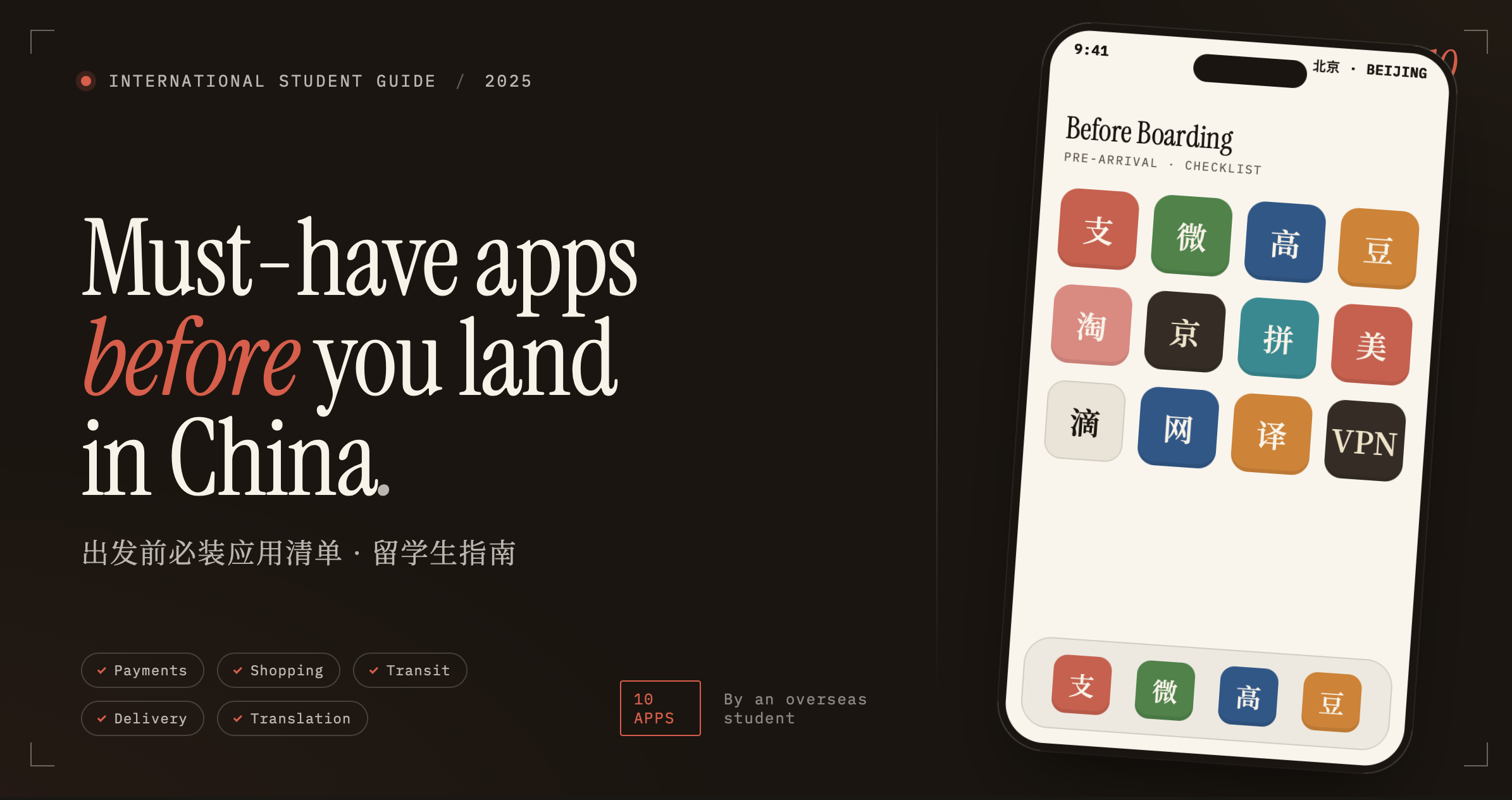
Essential Apps for International Students in China
Install everything below before boarding your flight.
⚠️ App Store Setup — Do This First
Chinese apps often don't appear in foreign App Stores, and foreign apps (including VPNs) disappear from the China-region store. The fix: set up two accounts.
| Account | Region | Use For |
|---|---|---|
| Account 1 | 🇨🇳 China | All Chinese apps below |
| Account 2 | 🌍 Home Country | VPN + your regular apps |
Do this before leaving. Once inside China, switching to a foreign store to download a VPN is significantly harder without an account already set up.
💳 Payment
Nearly everything in China is cashless. Without these two apps, you may not be able to buy basic necessities.
Alipay 支付宝 — Bind your overseas bank card or ask a local to top up your balance. Used for shops, restaurants, buses, taxis, and ride-hailing (Didi is built in).
Test a small payment before leaving home to confirm your overseas card works. Not all banks support Alipay top-ups — check with your bank in advance.
WeChat 微信 — WeChat Pay works everywhere Alipay does. Also essential for campus group chats, university notices, and all local communication.
Join your university's WeChat groups on Day 1 — nearly all important announcements go there first, not email.
🛍️ Shopping
| App | Best For |
|---|---|
| Pinduoduo 拼多多 | Cheapest everyday items; easy refunds |
| Taobao 淘宝 | Clothing, general goods, wide variety |
| JD 京东 | Electronics — guaranteed authentic, fast delivery |
Always cross-check the same product across all three before ordering. Prices vary significantly. For anything expensive like a laptop, use JD only — counterfeits are rare there.
🗺️ Daily Life
Meituan 美团 — Food delivery, groceries, and medicine. No English interface.
Screenshot a menu and paste it into Doubao (see below) for instant translation. This becomes second nature within your first week.
Amap Global 高德地图 — English navigation for walking, bus, and subway across all major Chinese cities.
Download your city's offline map before your first day out — subway tunnels often have no signal and you don't want to be lost without a map.
Didi 滴滴 — Ride-hailing, accessed inside Alipay. No separate app needed.
Type your destination in English inside Alipay — it converts to Chinese for the driver automatically. If a driver calls you, use Doubao's voice translation in real time.
🤖 AI Assistant
Doubao 豆包 — ByteDance's Chinese AI assistant. No VPN needed, always accessible inside China.
Use it for: translating menus, signs and notices — asking about campus rules, SIM cards, bank accounts — explaining lectures and helping with assignments.
Overseas AI tools like ChatGPT require a VPN and are less familiar with China-specific situations. Doubao understands local context far better for daily questions.
🔒 VPN
Google, YouTube, Instagram, WhatsApp, and Facebook are all blocked after arrival. A VPN is how international students access them.
Download your VPN before leaving home. VPN websites are blocked inside China, and downloading from the China App Store is not possible without a foreign account.
Install a backup VPN as well. Apps get blocked without warning and you don't want to lose access suddenly. Ask current international students or community groups for which ones are working right now — stable options change frequently.
✅ Pre-Departure Checklist
Using Account 1 — 🇨🇳 China region:
- Alipay
- Pinduoduo
- Taobao
- JD
- Meituan
- Amap Global
- Doubao
Using Account 2 — 🌍 Home Country region:
- VPN app (+ one backup)
- WhatsApp, Instagram, or any other apps you use regularly
Run through this list a few days before departure, not the night before — some apps need account setup, card linking, or verification that takes time.
祝你在中国学习愉快!— Wishing you a happy time studying in China!